The market first. Then your focus.
A contract table with price changes, volume and available spread. Find a ticker and compare activity across selected exchanges in one place.
WINIMPULSE / 0.1.16
YOUR MARKET. YOUR COMPUTER.
A desktop scanner for crypto futures. Spot market activity, filter EARLY / IMPULSE / EXHAUSTION events, compare charts and send a ticker to your terminal. Runs locally on Windows, with public exchange data and no trading keys.
Local calculations · RU / EN interface
01 / WINIMPULSE
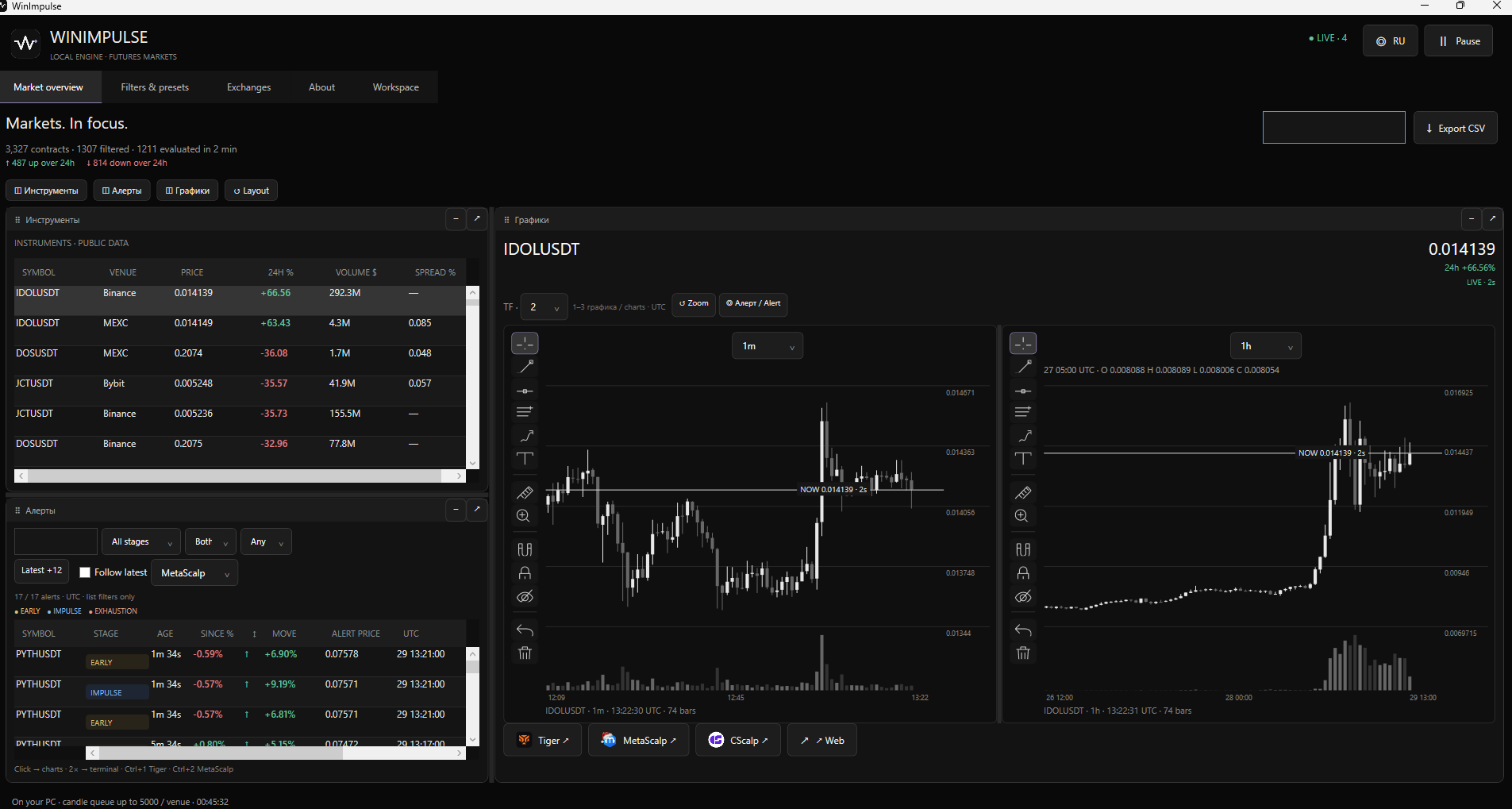
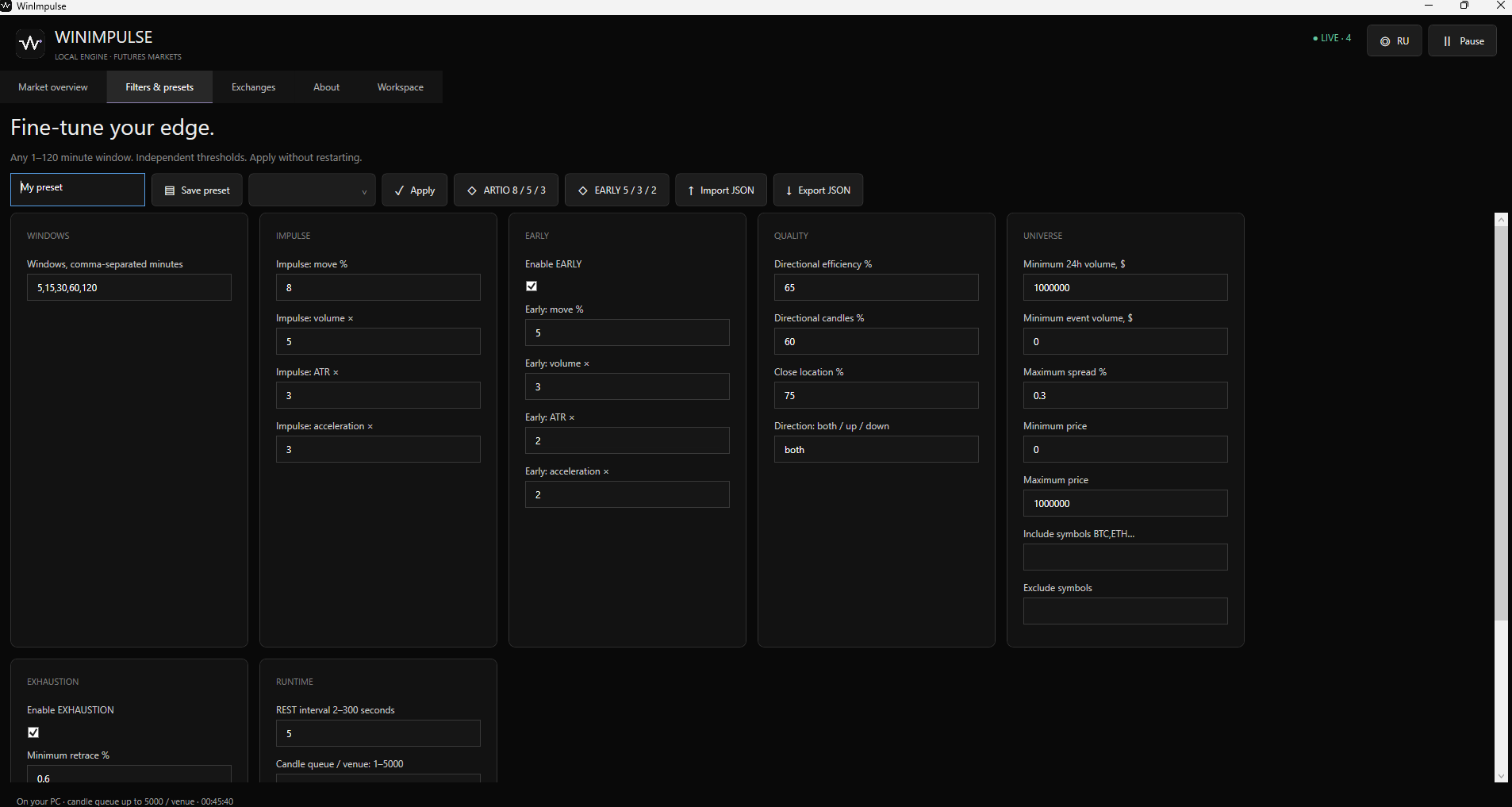
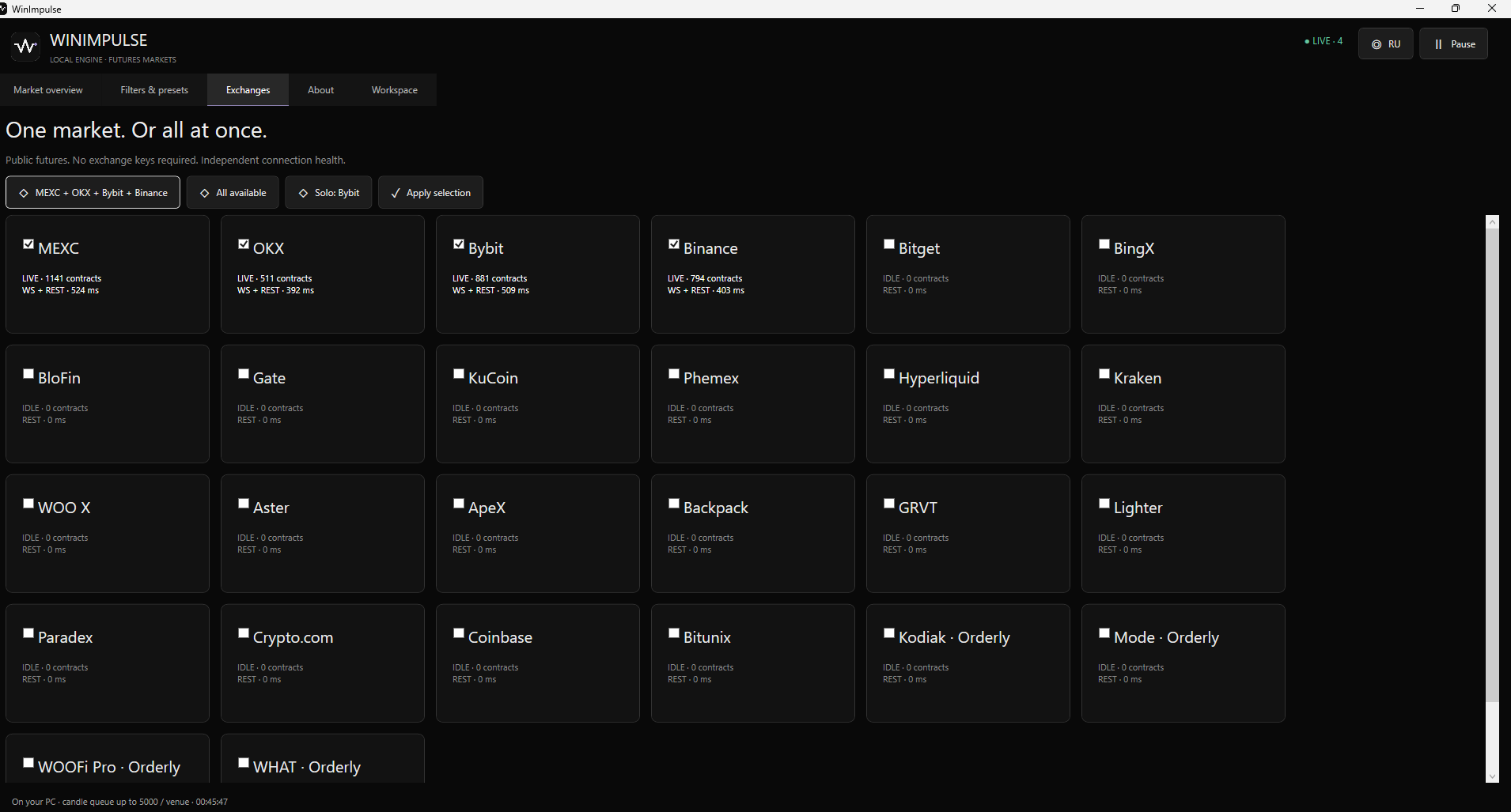
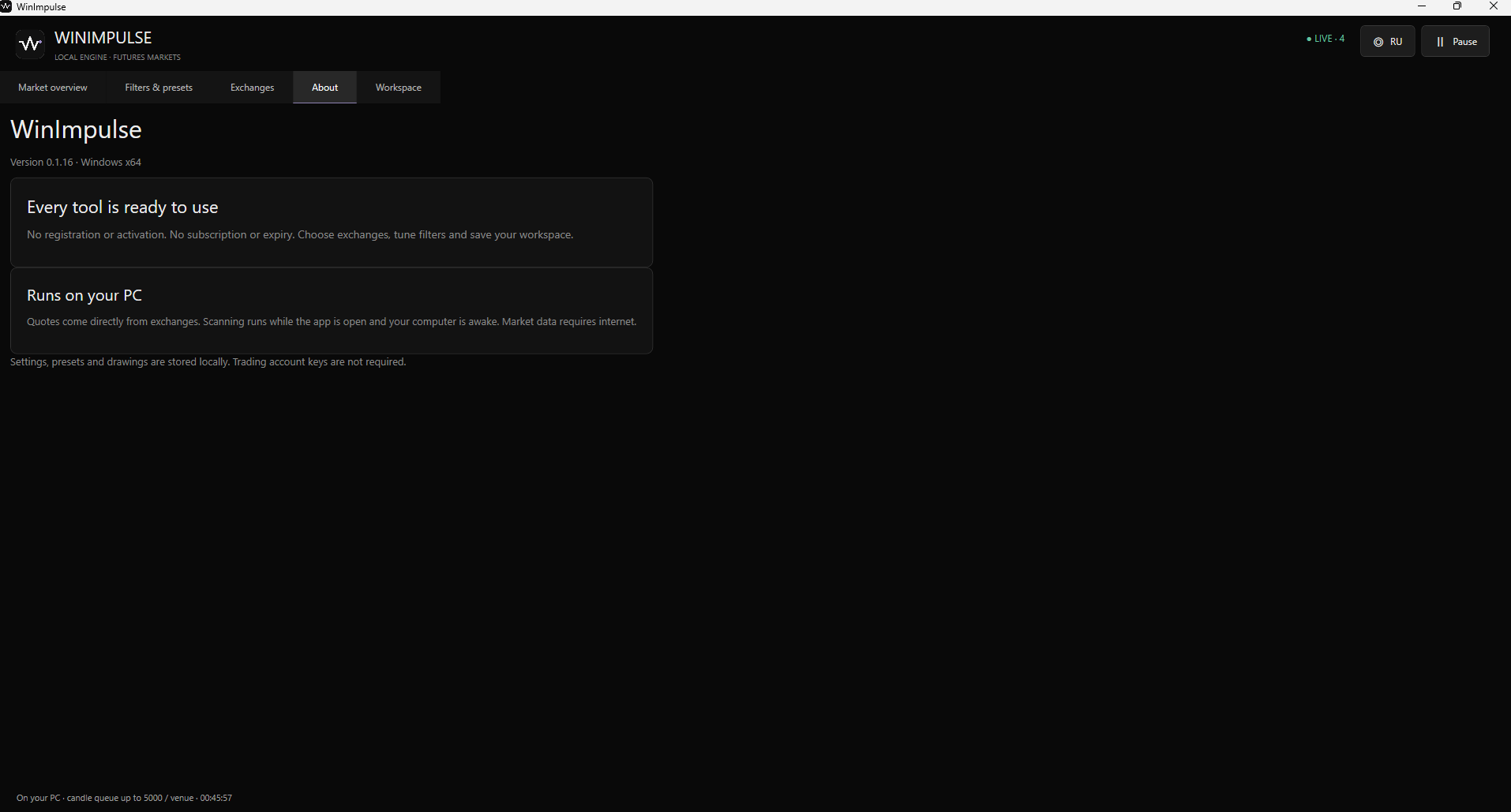
Actual WinImpulse 0.1.16 screenshots with English selected. A few chart and panel labels still appear in Russian. Prices, contract counts and events are captured examples, not current quotes or trading results.
A contract table with price changes, volume and available spread. Find a ticker and compare activity across selected exchanges in one place.
Set 1–120 minute windows and thresholds for movement, volume, ATR and acceleration. EARLY, IMPULSE and EXHAUSTION identify events to inspect; they do not replace a trading decision.
Up to three candlestick charts, separate timeframes, drawings and price alerts. Arrange panels to match the way you work.
Tiger.Trade and MetaScalp receive the selected ticker through local interfaces. CScalp supports launch and ticker copy. Keep control of settings, JSON presets and CSV exports.
02 / WORKSPACE
For independent traders who need a market overview and a quick path to analysis. The scanner does not place orders, manage accounts or promise profits.



The supplied screenshots show MEXC, OKX, Bybit and Binance connected. More adapters are included; that does not mean every exchange is verified on your network. Availability and latency depend on APIs, region and connection.
03 / START
04 / RELEASE
A standalone build without registration, Telegram activation, a licensing service, subscription or expiry. The RU/EN About page has been updated; settings remain in the existing local profile.
Build supplied by the creator on 29 October 2026. Earlier release history is not reconstructed from assumptions.
05 / FAQ
The same answers are in the shared help centre.
A personal licence for Windows version 0.1.16: use it indefinitely on your own computers without a subscription or activation. Binary distribution; source code and resale rights are not included. No promise of future major versions.
Open answer ↗The purchase covers the creator’s binary build and a personal licence. All features in 0.1.16 work without registration, Telegram activation, licence files or expiry. A website payment never starts trading.
Open answer ↗No. The scanner uses public market data. Do not enter trading account keys. Quotes require an internet connection.
Open answer ↗Windows 10/11 x64, internet and access to public exchange APIs. Python and .NET are bundled. Keep the app open and the PC awake to scan. No macOS/Linux build is supplied.
Open answer ↗Extract the whole ZIP into a separate folder and run WinImpulse.exe. Keep engine and all bundled files together. To update, close the app and extract the new release into another folder; settings live separately in %LOCALAPPDATA%\WinImpulse. Keep that settings folder when updating.
Open answer ↗The supplied screenshots show MEXC, OKX, Bybit and Binance connected. More adapters are included; that does not mean every exchange is verified on your network. Availability and latency depend on APIs, region and connection.
Open answer ↗Tiger.Trade: enable Local Signal Server, default port 7819 and a matching group; the Bybit/Binance protocol is verified. MetaScalp: enable Local API; its port is discovered automatically, with an empty group or 001–500. For CScalp, select its EXE: the app opens and the ticker is copied; automatic switching is not promised. This is navigation, not order submission.
Open answer ↗No. EARLY, IMPULSE and EXHAUSTION classify market events using your thresholds. Check liquidity, spread, data and your own risk. An empty list need not indicate a fault: matching events may be absent and history loads gradually.
Open answer ↗No. Calculations run locally: keep the app open and the PC on and awake. New data needs internet. The ARTIO website does not scan on behalf of your PC.
Open answer ↗Check internet, selected exchanges and their status. Wait for candles: with many contracts they load in a queue. Try one exchange and less restrictive filters. Check public API availability on your network. If the issue persists, report version 0.1.16, exchange, ticker and timeframe; do not send keys or personal data.
Open answer ↗The price is 299 USDT once for the personal Windows 0.1.16 release. Payment collection and automatic delivery are not connected yet: this site does not take money or expose the paid ZIP publicly. The new price does not change existing purchase rights.
Open answer ↗This build has no verified publisher signature. Windows may show SmartScreen or an unknown-publisher warning. Compare the archive SHA-256 with this page and obtain it only through a verified purchase. A warning alone proves neither safety nor malware; do not disable antivirus to run it. If uncertain, do not run the file and contact the creator.
Open answer ↗06 / PERSONAL
A personal licence for Windows version 0.1.16: use it indefinitely on your own computers without a subscription or activation. Binary distribution; source code and resale rights are not included. No promise of future major versions.
Price for new purchases. Existing purchase rights remain unchanged.
The complete archive with WinImpulse.exe, engine, bundled components and README. The paid ZIP is not exposed at a public URL.